Docker Local Host Access (Host Shim)
When using Docker containers in LAN network modes (e.g. br0 / eth0 with macvlan or ipvlan), containers may not be able to reach the host system directly.
The Docker Local Host Access plugin solves this by creating a small shim interface on the host, enabling containers on these LAN networks to access the MOS host.
✅ What Changed?
This feature was previously provided as a manual script (shim_bridge.sh).
It is now shipped as an official MOS Plugin:
- No manual script setup
- No Cron job required
- Install once → active automatically
- Release selection is handled via MOS Hub (like any other plugin)
📍 Where to Find the Plugin
Go to:
MOS Hub → Search
Look for: Docker Local Host Access
This plugin is maintained by ich777 and is part of the official MOS template collection.
The source repository can be found here:
https://github.com/ich777/mos-templates
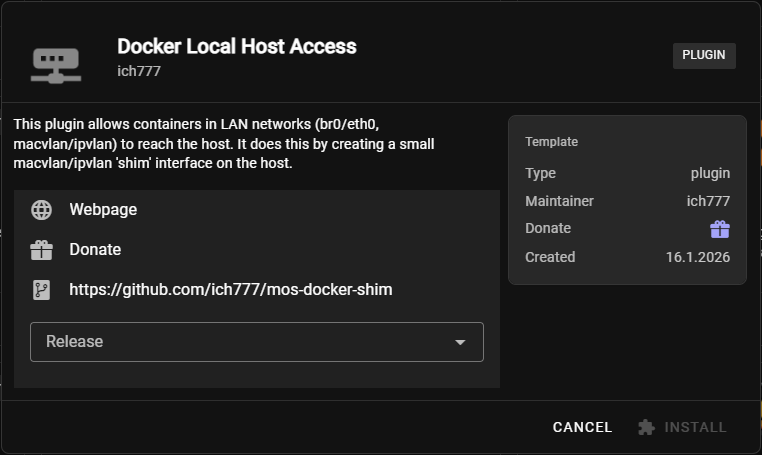
⬇️ Installation
-
Open MOS Hub
-
Select Docker Local Host Access
-
Click Install
-
Choose the desired release version
-
Confirm the installation
After installation, the plugin is active automatically.
🧩 After Installation
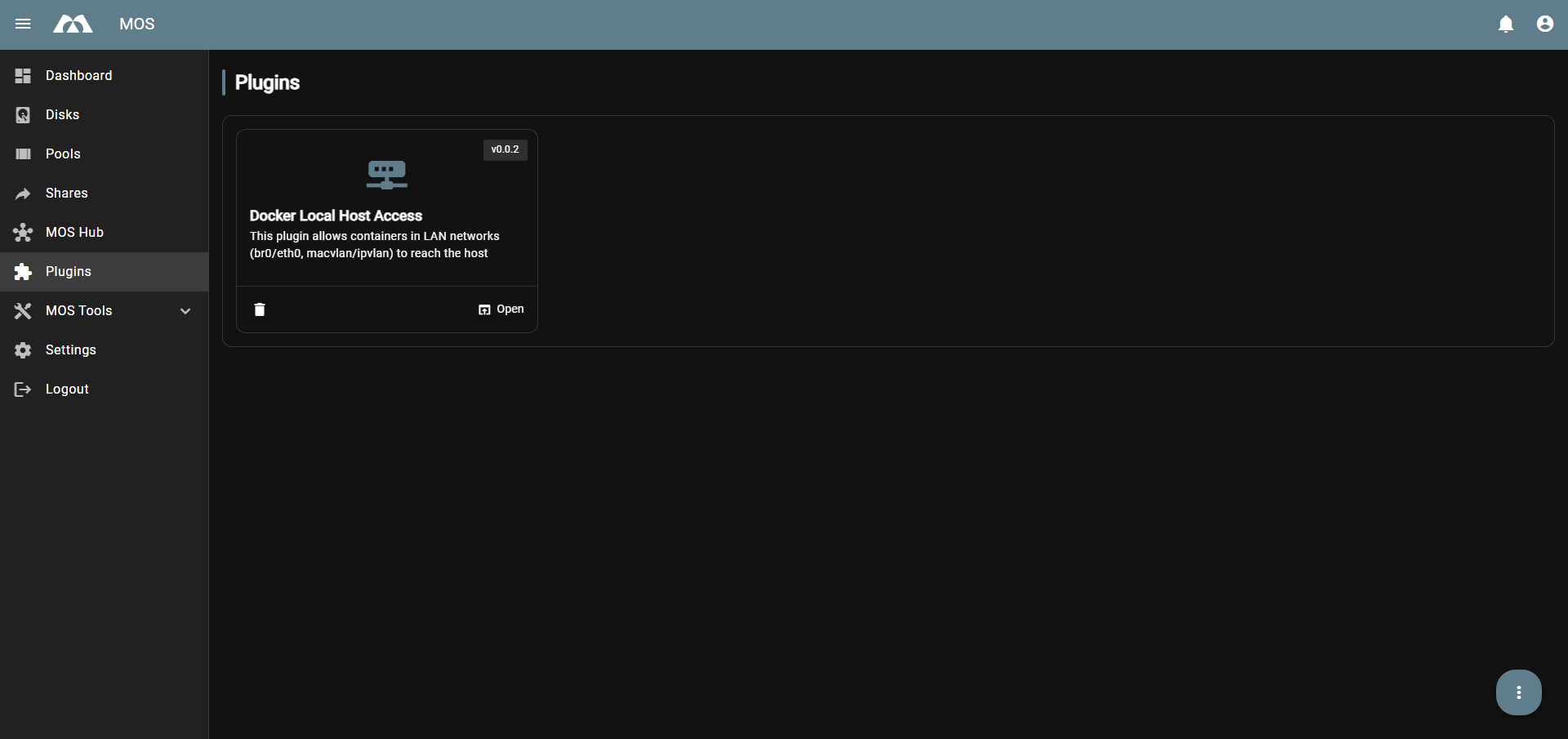
The plugin will appear under:
Plugins
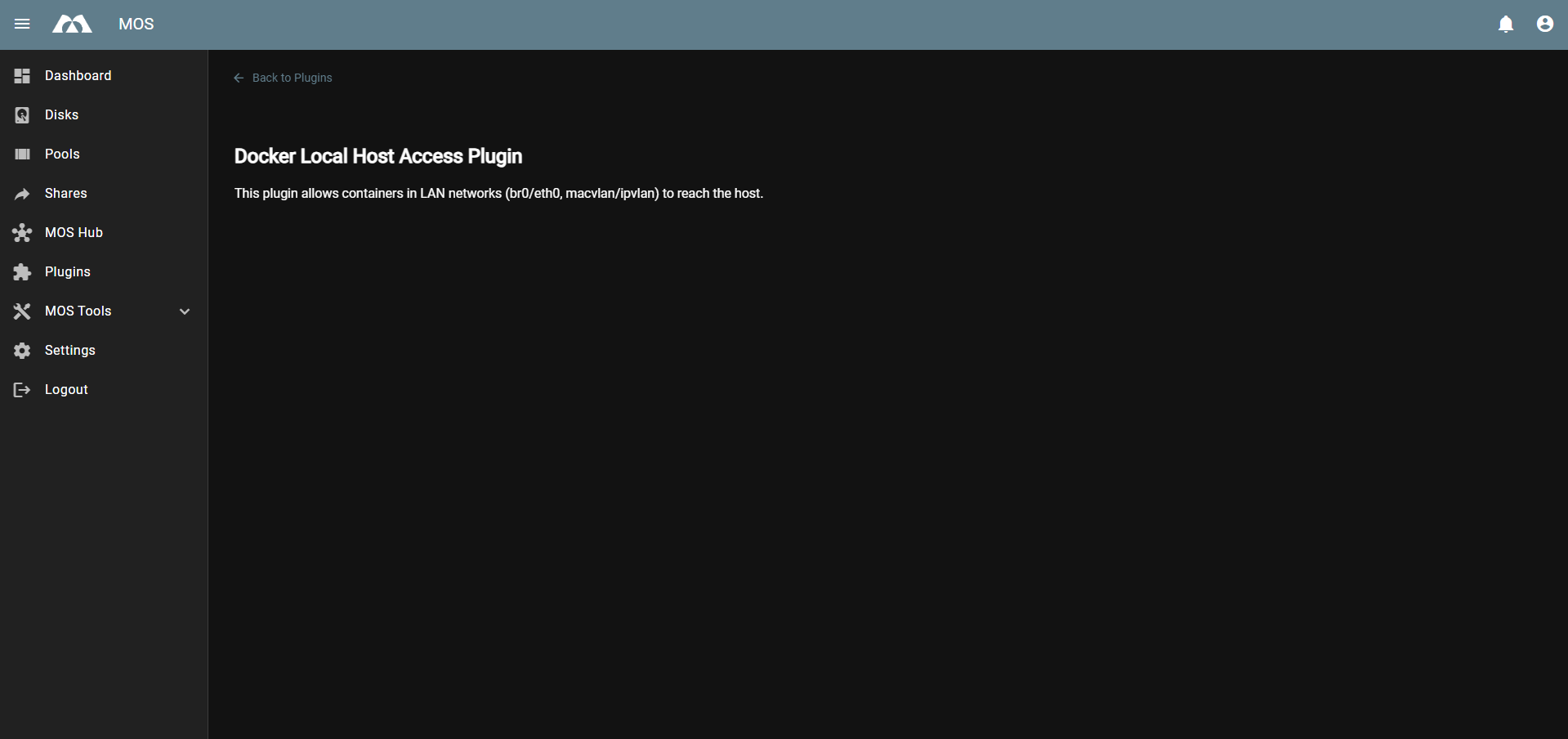
From there you can see that it is installed and open the plugin page.
⚙️ Configuration
This plugin does not provide a configuration UI.
Once installed, it automatically applies the required host shim setup based on the system configuration.
✅ Summary
-
The Host Shim is now delivered as a MOS plugin
-
Install via MOS Hub and select a release version
-
No Cron job and no manual scripts required
-
No configuration page (it works automatically once installed)