📋 LXC Container Overview
The LXC page lists all containers on the system and their current state.
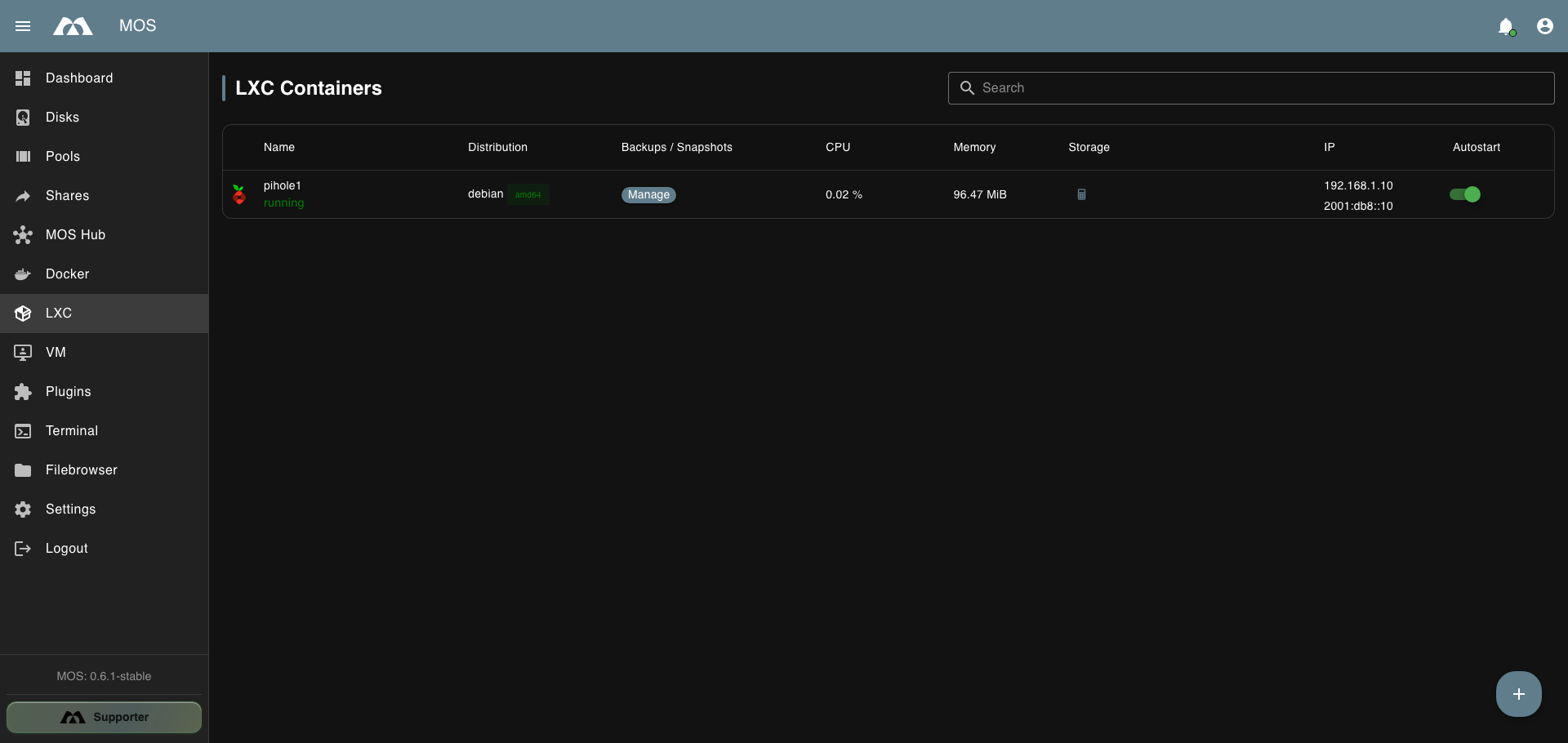
The LXC container list.
| Column | Description |
|---|---|
| Name | Container name and state |
| Distribution | Distribution and architecture, e.g. debian / amd64 |
| Backups / Snapshots | Opens the container's Manage view |
| CPU | Live CPU usage while running |
| Memory | Current memory usage |
| Storage | Root filesystem usage. Click the calculator button to calculate it on demand |
| IP | IPv4 and IPv6 address of the container |
| Autostart | Whether the container starts on boot |
The calculator button in the Storage column queries the root filesystem size on demand; the value is not refreshed automatically.
Parts of this documentation were created with the assistance of AI tools. All AI-generated content has undergone review, but it may still contain inaccuracies, omissions, or outdated information.