🗄️ MOS Backup Plugin
The Backup Plugin provides comprehensive backup management for your MOS system. It supports backing up the boot configuration, application data (Docker appdata), and libvirt configurations with flexible scheduling, compression, and retention policies.
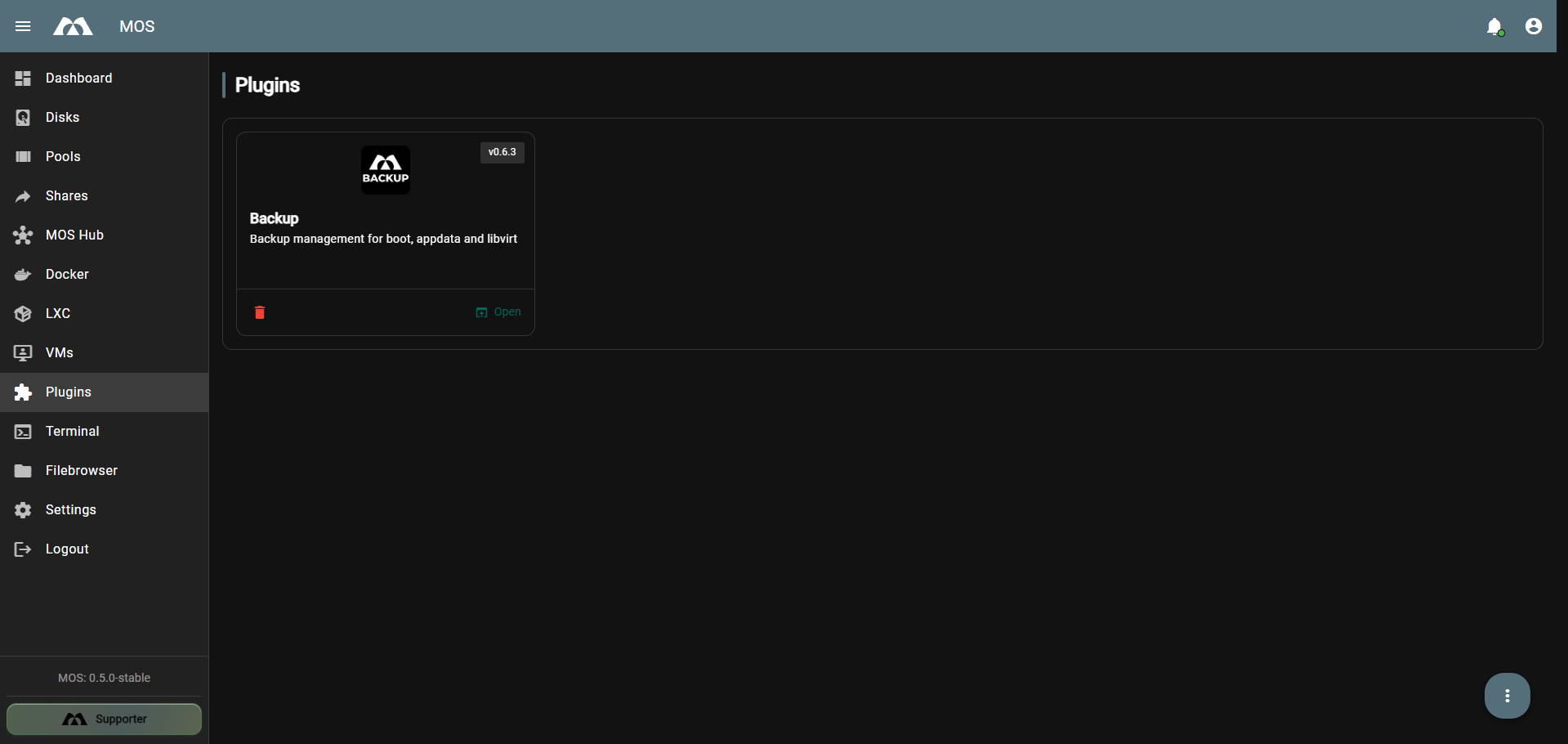
The Backup Plugin card on the Plugins page.
📦 Installation
The MOS Backup Plugin is available in the MOS Hub. After Installation you can find it in the Plugins section.
- Navigate to Plugins in the sidebar
- Locate the Backup plugin card
- Click Open to access the plugin settings
The plugin version is displayed in the top-right corner of the plugin card (e.g., v0.6.3).
⚙️ Backup Configuration
The Backup Plugin provides four backup types, each of which can be configured independently:
| Backup Type | Description |
|---|---|
| Backup All | Runs all configured backup types sequentially |
| Boot Backup | Backs up the system boot configuration |
| Appdata Backup | Backs up Docker application data |
| Libvirt Backup | Backs up libvirt (VM) configurations |
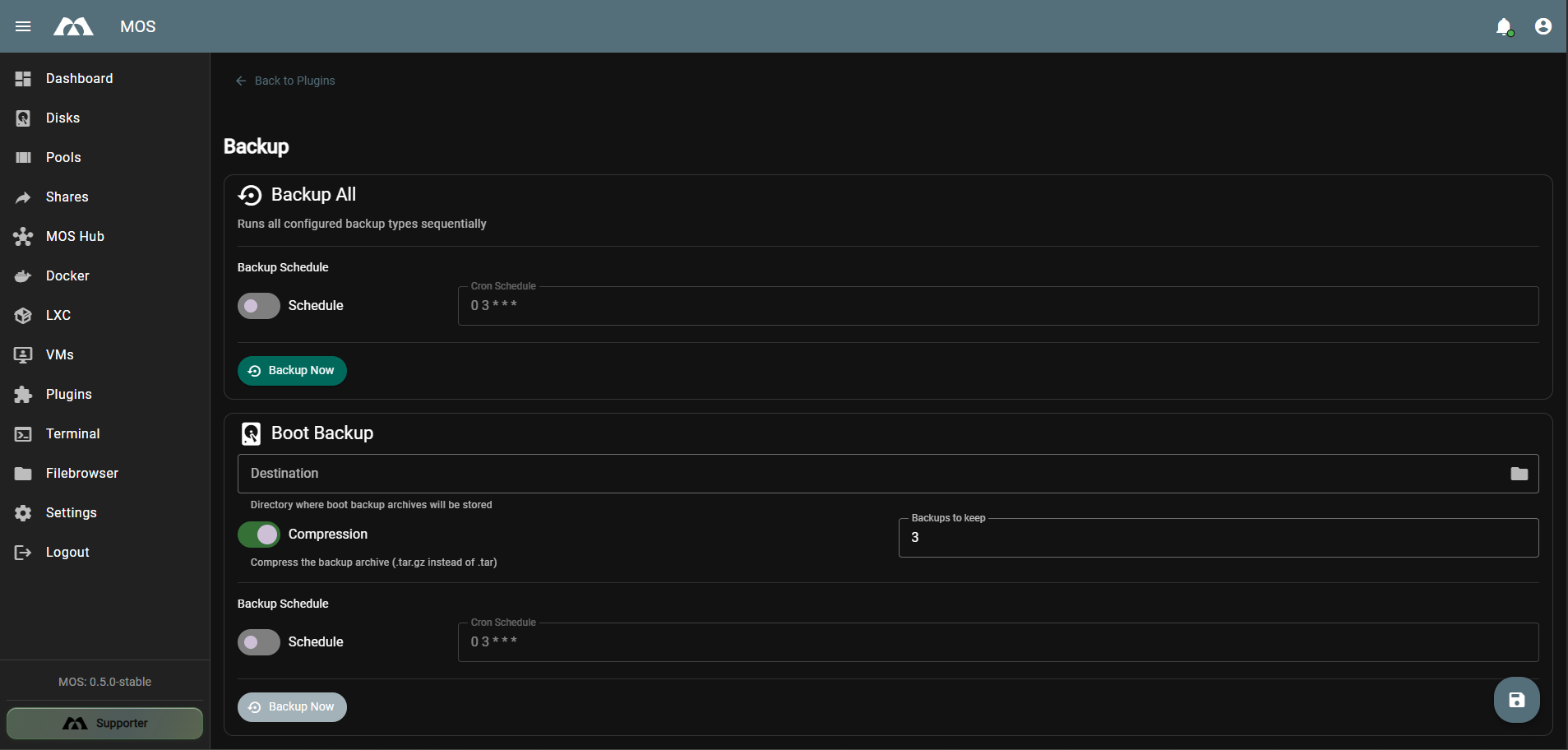
The Backup settings page showing Backup All and Boot Backup sections.
🔁 Backup All
The Backup All section allows you to run all configured backup types in a single operation.
| Setting | Description |
|---|---|
| Schedule | Toggle to enable or disable scheduled backups |
| Cron Schedule | Cron expression defining when the backup runs (default: 0 3 * * * = daily at 03:00) |
| Backup Now | Button to manually trigger all configured backups immediately |
Usage
- Enable Schedule to automate all backups at a defined time
- Use Backup Now for manual, on-demand execution of all backup types
- The Cron Schedule applies to all backup types when enabled
The Backup All section performs a backup of all currently active services.
💾 Boot Backup
The Boot Backup section manages backups of the system boot configuration.
| Setting | Description |
|---|---|
| Destination | Target directory where boot backups are stored |
| Compression | Toggle to compress backups as .tar.gz archives |
| Backups to keep | Number of backup copies to retain (default: 3) |
| Schedule | Toggle to enable or disable scheduled boot backups |
| Cron Schedule | Cron expression for scheduled boot backups (default: 0 3 * * *) |
| Backup Now | Button to manually trigger a boot backup |
Notes
- Compression reduces storage usage but increases backup time
- The Backups to keep setting automatically removes old backups beyond the configured limit
- When Schedule is disabled, the Backup Now button is greyed out — enable the schedule first to use manual backups
📂 Appdata Backup
The Appdata Backup section manages backups of Docker application data.
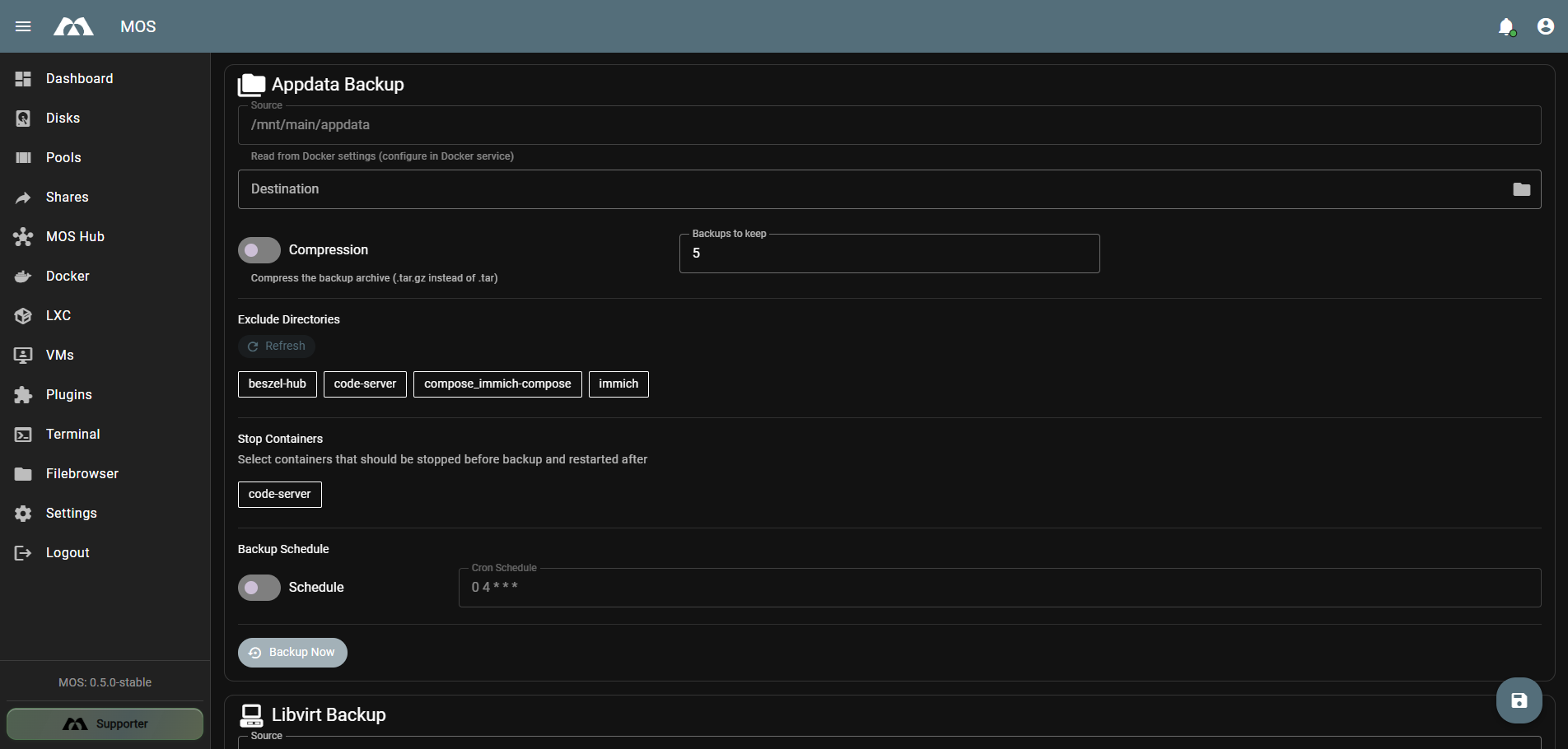
The Appdata Backup configuration section.
Settings
| Setting | Description |
|---|---|
| Source | Source directory for appdata (read from Docker settings, e.g., /mnt/main/appdata) |
| Destination | Target directory where appdata backups are stored |
| Compression | Toggle to compress backups as .tar.gz archives |
| Backups to keep | Number of backup copies to retain (default: 5) |
| Backup Schedule | Toggle and Cron expression for scheduled appdata backups (default: 0 4 * * *) |
| Backup Now | Button to manually trigger an appdata backup |
Exclude Directories
The Exclude Directories feature allows you to exclude specific container directories from the backup:
- Click Refresh to detect available container directories
- Click on a directory tag to add or remove it from the exclusion list
- Excluded directories are skipped during backup
Stop Containers
The Stop Containers feature allows you to stop specific containers before the backup and restart them afterwards:
- Select containers from the available list
- Selected containers are stopped before the backup starts
- Containers are automatically restarted after the backup completes
This is useful for containers that may have open file locks or require a clean state during backup (e.g., databases).
🖥️ Libvirt Backup
The Libvirt Backup section manages backups of libvirt (VM) configurations.
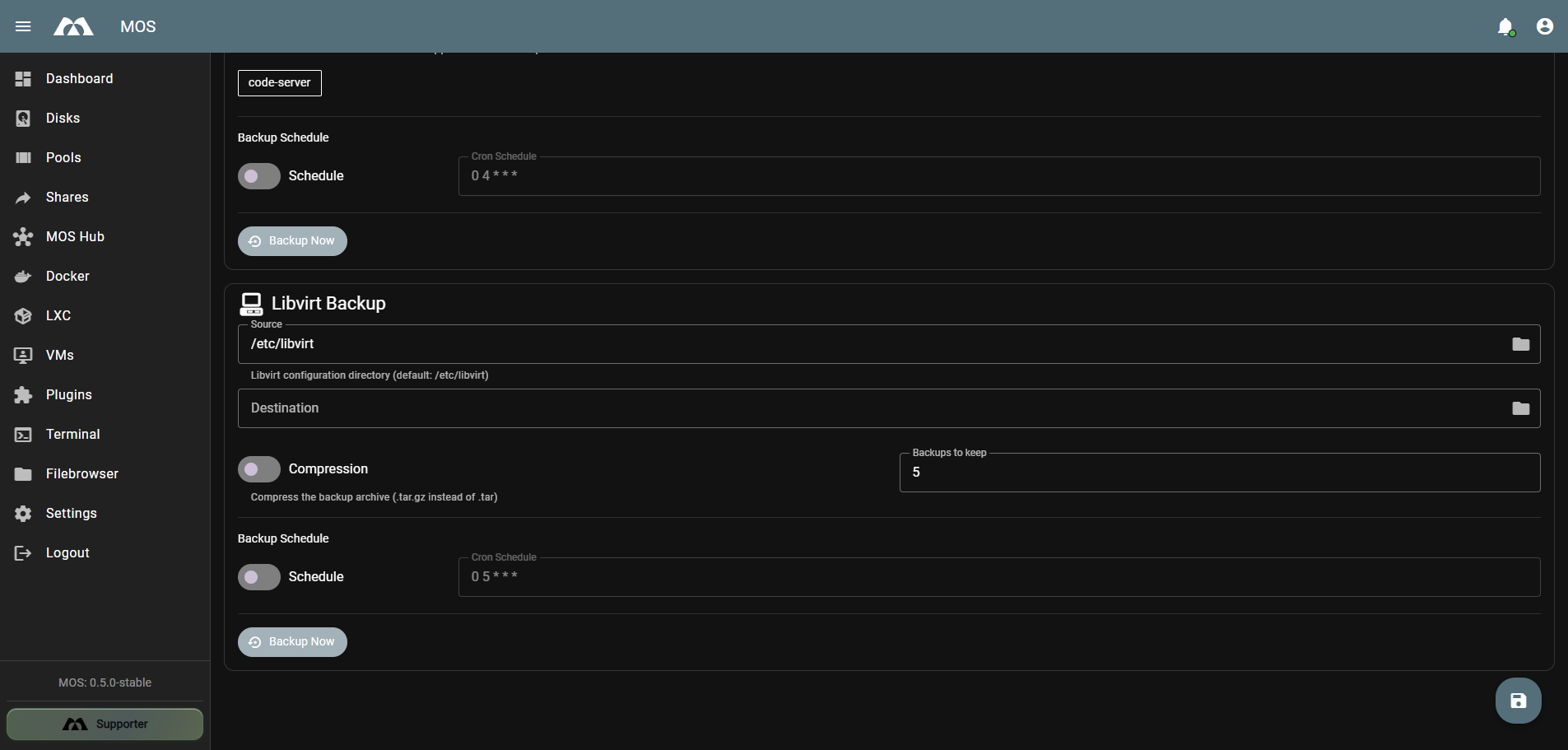
The Libvirt Backup configuration section.
Settings
| Setting | Description |
|---|---|
| Source | Libvirt configuration directory (default: /etc/libvirt) |
| Destination | Target directory where libvirt backups are stored |
| Compression | Toggle to compress backups as .tar.gz archives |
| Backups to keep | Number of backup copies to retain (default: 5) |
| Backup Schedule | Toggle and Cron expression for scheduled libvirt backups (default: 0 5 * * *) |
| Backup Now | Button to manually trigger a libvirt backup |
Notes
- The source directory
/etc/libvirtcontains VM definitions and configurations - This backs up configurations only, not VM disk images
- For full VM backups, consider using snapshots or disk-level backups separately
⏱️ Cron Schedules
All backup types support individual cron schedules. The default schedules are staggered to avoid overlapping backups:
| Backup Type | Default Cron | Time |
|---|---|---|
| Backup All | 0 3 * * * | 03:00 daily |
| Boot Backup | 0 3 * * * | 03:00 daily |
| Appdata Backup | 0 4 * * * | 04:00 daily |
| Libvirt Backup | 0 5 * * * | 05:00 daily |
Staggered schedules prevent concurrent backups from overwhelming storage I/O. Adjust schedules based on your backup sizes and storage performance.
📊 Backup Retention
Each backup type has a Backups to keep setting that controls retention:
| Backup Type | Default Retention |
|---|---|
| Boot Backup | 3 |
| Appdata Backup | 5 |
| Libvirt Backup | 5 |
When the retention limit is reached, the oldest backup is automatically deleted before a new one is created.
📚 Best Practices
- Stagger your schedules — Avoid running all backup types simultaneously to reduce I/O load
- Use compression — Enable
.tar.gzcompression to save storage space, especially for appdata - Choose reliable destinations — Store backups on a separate pool or disk from the source data
- Stop critical containers — Use the Stop Containers feature for databases or stateful applications
- Exclude unnecessary directories — Skip containers with ephemeral or cache data to reduce backup size and time
- Test your backups — Periodically verify that backups can be restored successfully
- Set appropriate retention — Balance storage usage with backup history needs
✅ Summary
The Backup Plugin provides a centralized interface for managing system backups in MOS.
Key points:
- Four backup types: Backup All, Boot, Appdata, and Libvirt
- Flexible scheduling with individual cron expressions per backup type
- Compression support via
.tar.gzarchives - Retention control with configurable backup count limits
- Container management — stop and restart containers around backups
- Directory exclusion — skip specific appdata directories from backups
Proper backup configuration ensures data safety and system recoverability for your MOS installation.
Parts of this documentation were created with the assistance of AI tools. All AI-generated content has undergone review, but it may still contain inaccuracies, omissions, or outdated information.